Edge Function 404 error response
Last edited: 5/27/2026
The edge function is not recognized by Supabase
Context for the error#
If the Supabase Edge Function Runtime does not recognize the function specified in the URL endpoint:
1https://PROJECT_REF.supabase.co/functions/v1/UNRECOGNIZED_FUNCTION_NAMEthen the runtime will return a 404 error.
Solving the error#
Step 1: Identifying the error#
If the tests return a 404 but do not match the criteria below, the error is coming from your app's logic.
Inspecting the return message from the request#
Platform 404 errors cannot be detected in the browser. Instead, to confirm 404s from the browser, you must check the logs instead.
Browsers misreport 404s as generic CORS errors. As a result, the Supabase JavaScript client surfaces only a generic message: Failed to send a request to the Edge Function.
When an edge function fails due to a platform 404 error, it will return the error:
1{2 "code": "NOT_FOUND",3 "message": "Requested function was not found"4}Inspecting the logs#
Always configure an appropriate time frame when using the log explorer
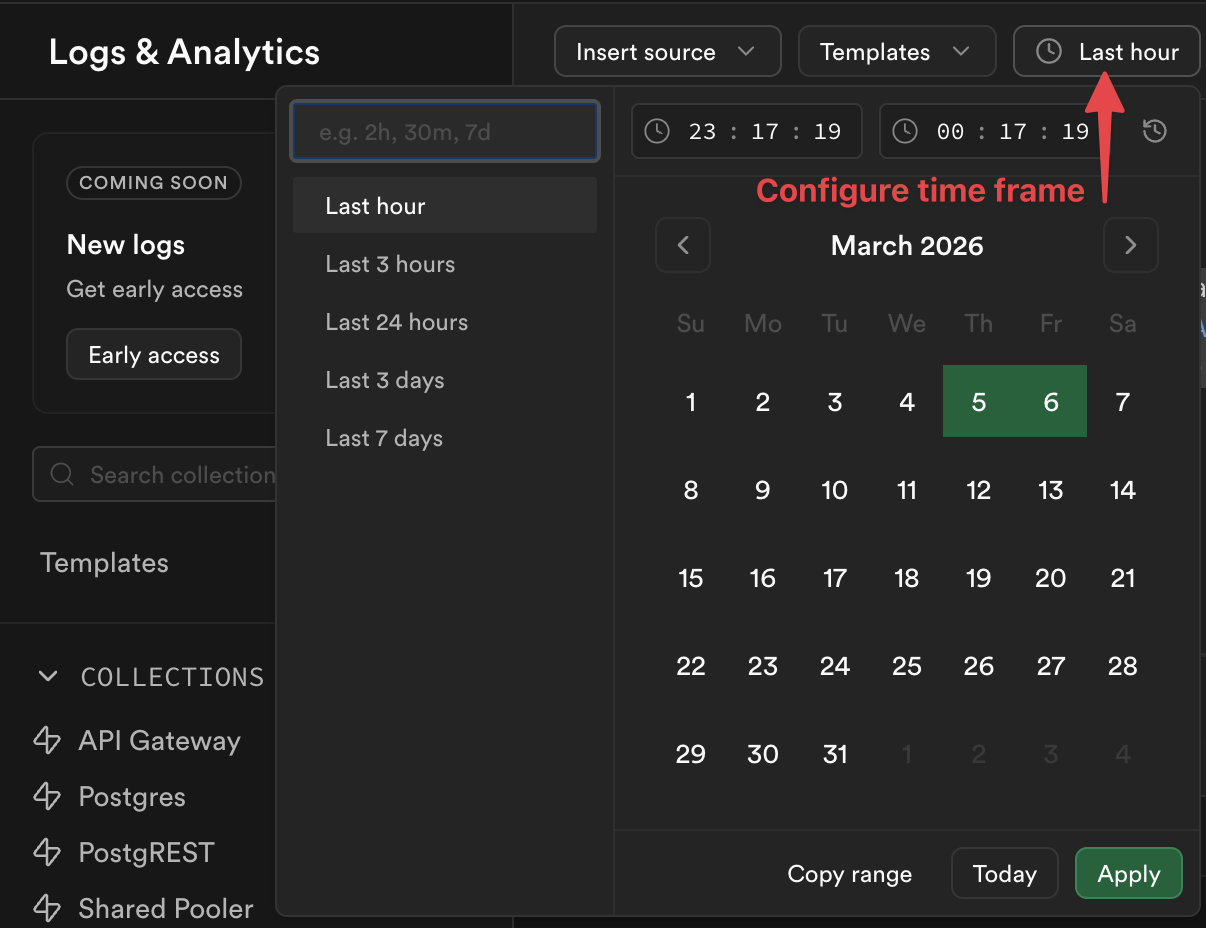
You cannot inspect the function dashboard to find platform 404 errors, instead, run the below query in the log explorer. The results show all requests that reached Supabase but were rejected as unrecognizable.
1select distinct2 req.pathname as function_name,3 res.status_code,4 case5 when metadata.execution_id is null then 'FUNCTION_NOT_FOUND'6 else 'FUNCTION RECOGNIZED: custom 404 message in app logic'7 end as type_of_4048from9 function_edge_logs10 cross join UNNEST(metadata) as metadata11 cross join UNNEST(metadata.request) as req12 cross join UNNEST(metadata.response) as res13where status_code = 40414limit 10;Step 2: Check the function for typos#
In your code, make sure your function name doesn't have any typos, such as:
- miscapitalization
- em-dashes instead of dashes
- misplaced characters
- unnecessary slashes
///
Step 3: Try calling the function from the dashboard#
When selecting your function in the Function Dashboard, you should have the option to make a test call:

If the call works, consider double checking your code for typos or to see if it is overwriting the function name dynamically. Otherwise, go on to step 4.
Step 4: Redeploy the function#
If step 3 fails, it may be a sign of an internal bug and it may be necessary to redeploy your function. This can be done within the Function Dashboard under the respective function's code tab:
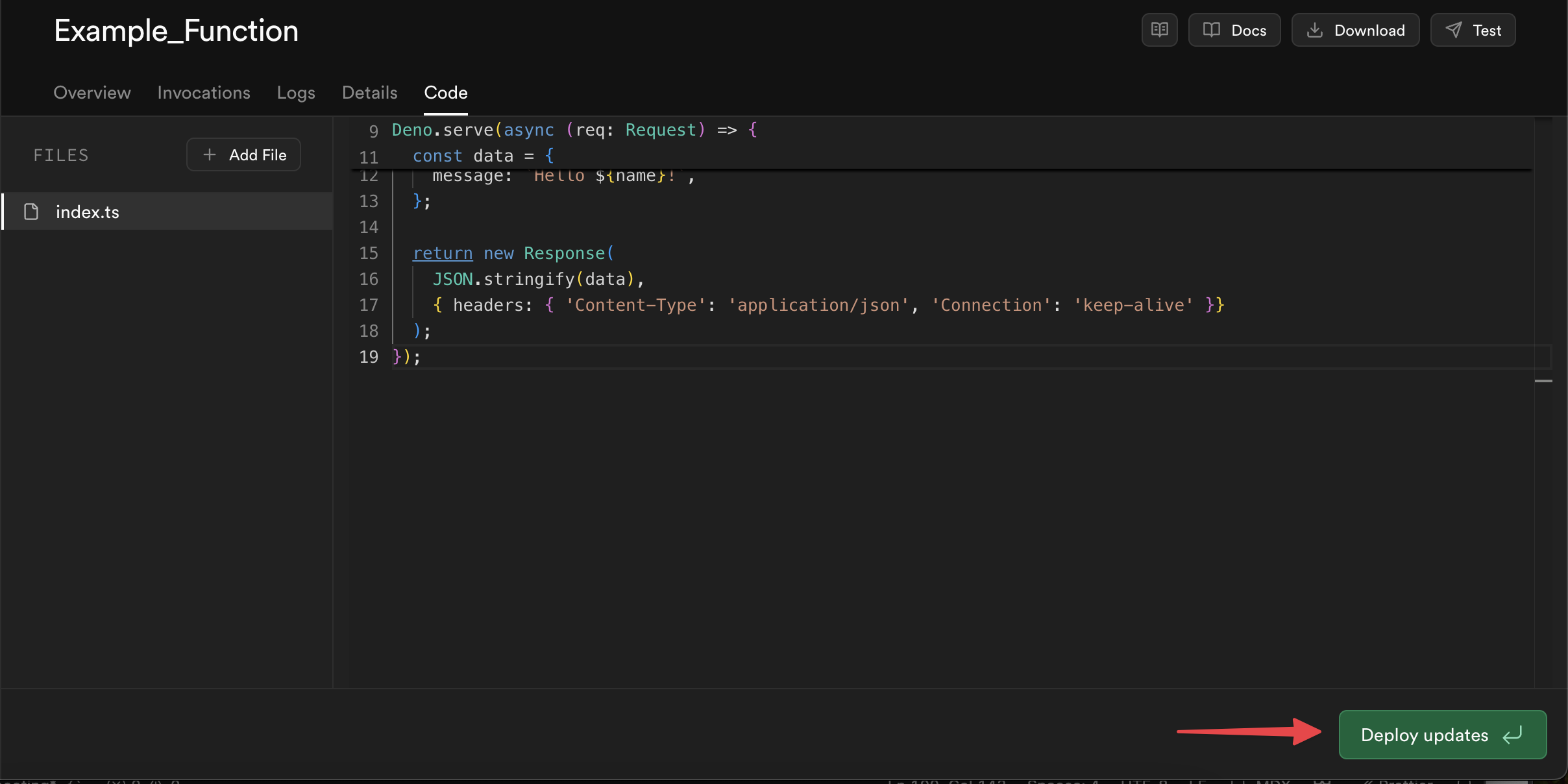
Alternatively, if you develop locally, you can redeploy the function with the Supabase CLI:
1supabase functions deploy FUNCTION_NAME23# If you want to deploy all functions, run the `deploy` command without specifying a function name:4supabase functions deployThen write in a ticket to Supabase Support